Cybersecurity · Technical journal
PrestaShop billing phishing: how to spot the fraud before you click
A phishing campaign is impersonating PrestaShop's billing team. These checks help distinguish a legitimate invoice from a credential theft attempt.
4 min read
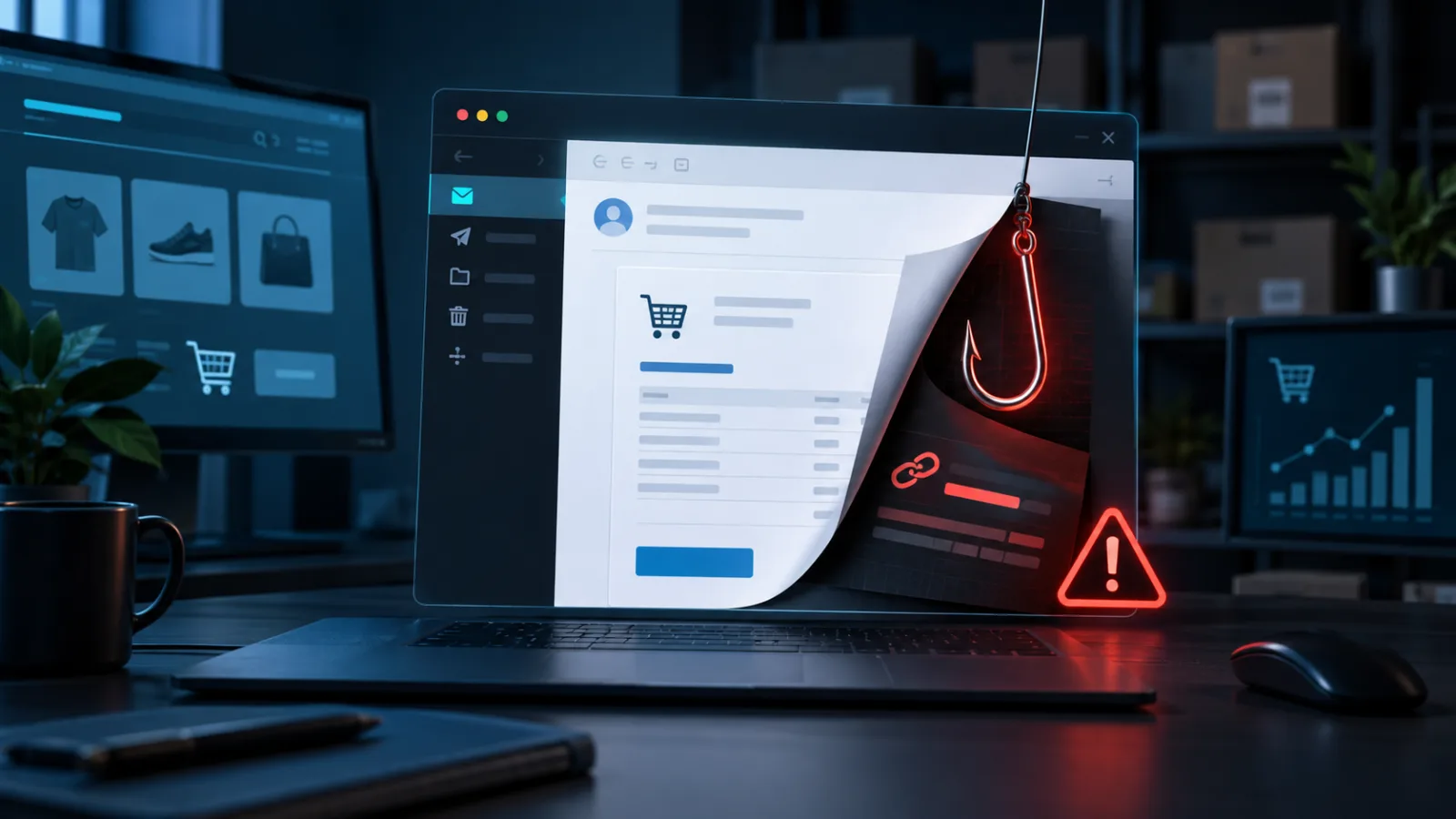
An unexpected invoice may look like a minor administrative issue. For an online store, however, it can also be the first step in a credential theft attempt. On September 11, 2026, PrestaShop informed members of its professional community about a phishing campaign impersonating its billing team. The initial reports came from agencies.
The distinction matters: at the time of the notice, PrestaShop said it had no evidence of a data leak on its side. The reports were compatible with a broad sweep of publicly listed agency contacts. The right response is therefore to raise awareness without turning a reasonable precaution into an unsupported breach claim.
Why a fake invoice can be convincing
Billing gives attackers a powerful combination: urgency, money and a seemingly routine task. A message may ask the recipient to review a charge, download a document or sign in to resolve an issue. If the recipient acts before checking the source, the link can lead to a convincing login page designed to capture account credentials or payment information.
Appearance is not proof. An email can reproduce colours, logos and signatures, while the visible sender name may look legitimate. The useful checks are the actual sender domain, the real link destination and whether the request makes sense.
Seven checks before you open or pay
- Inspect the full sender address. Do not rely on the display name. Look for substituted characters, unusual subdomains or domains that do not belong to PrestaShop.
- Check the link destination. Hover without clicking. A button may point somewhere entirely different from what it appears to show.
- Question artificial urgency. Threats of immediate suspension, unexpected deadlines or pressure to act are common warning signs.
- Do not open unexpected attachments. Confirm the transaction through an independent channel first.
- Do not sign in from the email. Open the official site manually or use a trusted bookmark.
- Verify the purchase. Legitimate invoices for modules, themes or subscriptions can be checked in the Orders section of PrestaShop Account or with the relevant support team.
- Ask for a second review. In a small team, another pair of eyes can stop urgency from making the decision.
What to do if you already interacted with it
If you only received the email, do not reply or download anything; mark it as phishing. If you opened a link but did not enter information, close the page and notify the technical owner so the device and access logs can be reviewed.
If you entered credentials, change the password immediately through the official site, close active sessions and review recent account activity. Change any password reused elsewhere and enable multi-factor authentication where available. If financial details were submitted, contact the payment provider and preserve the message as evidence.
PrestaShop asks professionals to report variants of the campaign or merchants who may have been affected to its Care Center. Its official phishing guidance covers the main warning signs and response steps. It also provides guidance on locating legitimate purchase invoices.
A simple protocol for agencies and merchants
The strongest defence does not depend on recognising every fraudulent template. It is a process that still works when the email looks convincing: never pay an unexpected invoice through a received link, never start a login from the message, and always confirm an unusual request through a separate channel.
Agencies can reinforce this process with email filtering, password managers, multi-factor authentication and a clear list of authorised contacts. Merchants should also review administrative users and back-office access regularly. The goal is not to create alarm; it is to remove impulsive decisions from a particularly sensitive workflow.
Verify before you act
This campaign is a reminder that dangerous phishing does not always look technically sophisticated. It often looks administrative. Before paying, downloading or signing in, verify the request outside the email. One minute of checking can prevent credential theft and a far more expensive security response.
If you need to review access, harden your back office or analyse a suspicious message involving your store, PsDevs can help with a technical PrestaShop security review.
From reading to action